This concise tutorial uses a simple example to explain some basics of using Bifrost in Maya for non-programmers. Watch it on YouTube.


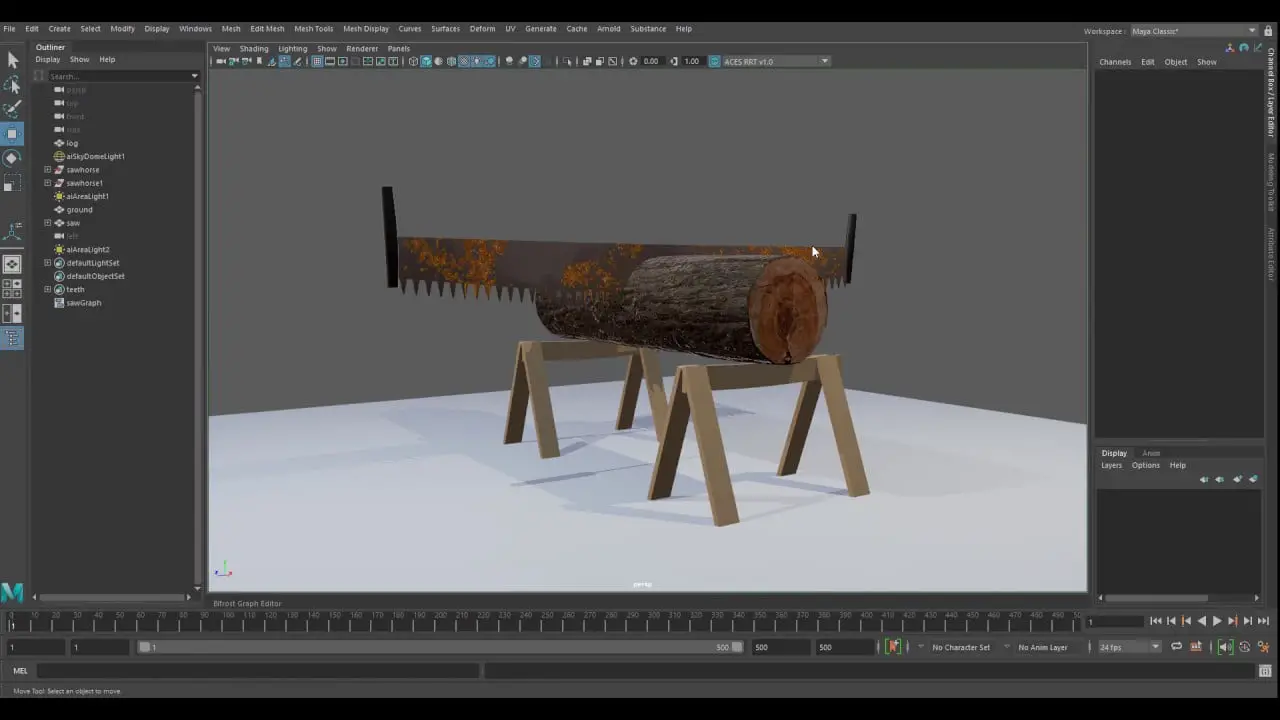
This concise tutorial uses a simple example to explain some basics of using Bifrost in Maya for non-programmers. Watch it on YouTube.

CGPress is an independent news website built by and for CG artists. With more than 15 years in the business, we are one of the longest-running CG news organizations in the world. Our news reporting has gathered a reputation for credibility, independent coverage and focus on quality journalism. Our feature articles are known for their in-depth analyses and impact on the CG scene. “5 out of 5 artists recommend it.”





…but when will Maya get the “Attribute Wrangle” node? 😉
This will happen when Autodesk acquires SideFX
i heard you can’t enter fractions into the current bifrost version, it’s integers only!
thorough testing, i’ll be sure to send autodesk some money for their efforts! 😀
they are really ridiculous
Are you talking about doing math with fractions, or just displaying a number as a fraction?
i didn’t try it, i was told by someone: you can’t write a dot so you can’t enter fractions into maya 2020 bifrost graph editor. sounds quite funny