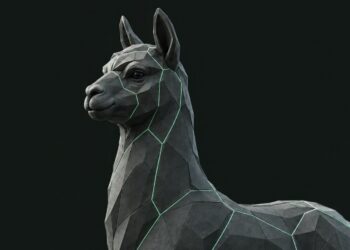
New features in Autodesk’s modeling tool for combining parts from different 3D models and outputting them to 3D printers include:
(Since last reported)
- New Preferences dialog to centralize settings
- Improved 3D Print Services integration
- New Hollow tool, with escape holes (auto-generated and
interactive – try double-clicking) - New Bridge tool
- New Thickness Visualization tool
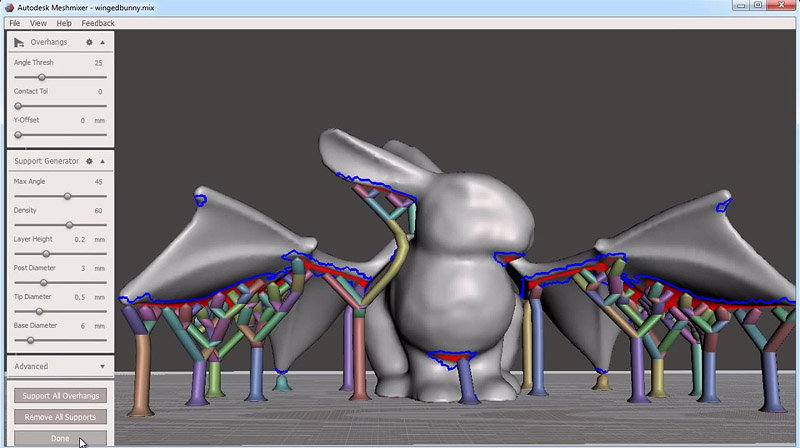
- Improved Support Structures for 3D printing, with new
Presets and Support Graph Optimization - Make Pattern now has Linear and Spherical Gradients,
better behavior for sizing parameters - New Select Visible command (under Selection / Modify)
- Project Face Groups and Minimum Thickness options in Make
Solid tool (min thickness requires Accurate mode) - VRML (.wrl) export (with vertex colors)
- Improved Drop Solid behavior, Create New Part option
- Smooth boundaries improvements
- Better behavior of Remesh when smoothness=0
- Units tool only shows dimensions for visible objects
- Various tools now remember settings
- Direct printing to Type A Machines 2014 series 1 (networked
printer) - New Patterns (random, borders)
- Offset parameter in Drop Solid
- Selective undo/redo (skip slow tool computations with
ALT+SHIFT+left/right arrows)
Plus bug fixes. Meshmixer is being developed by Ryan Schmidt at
Autodesk Research. More on Autodesk’s 123D website.