
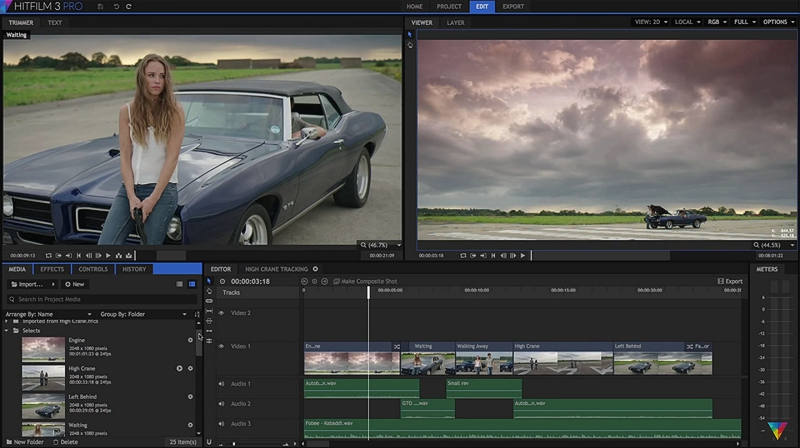
3D & Importing Geometry
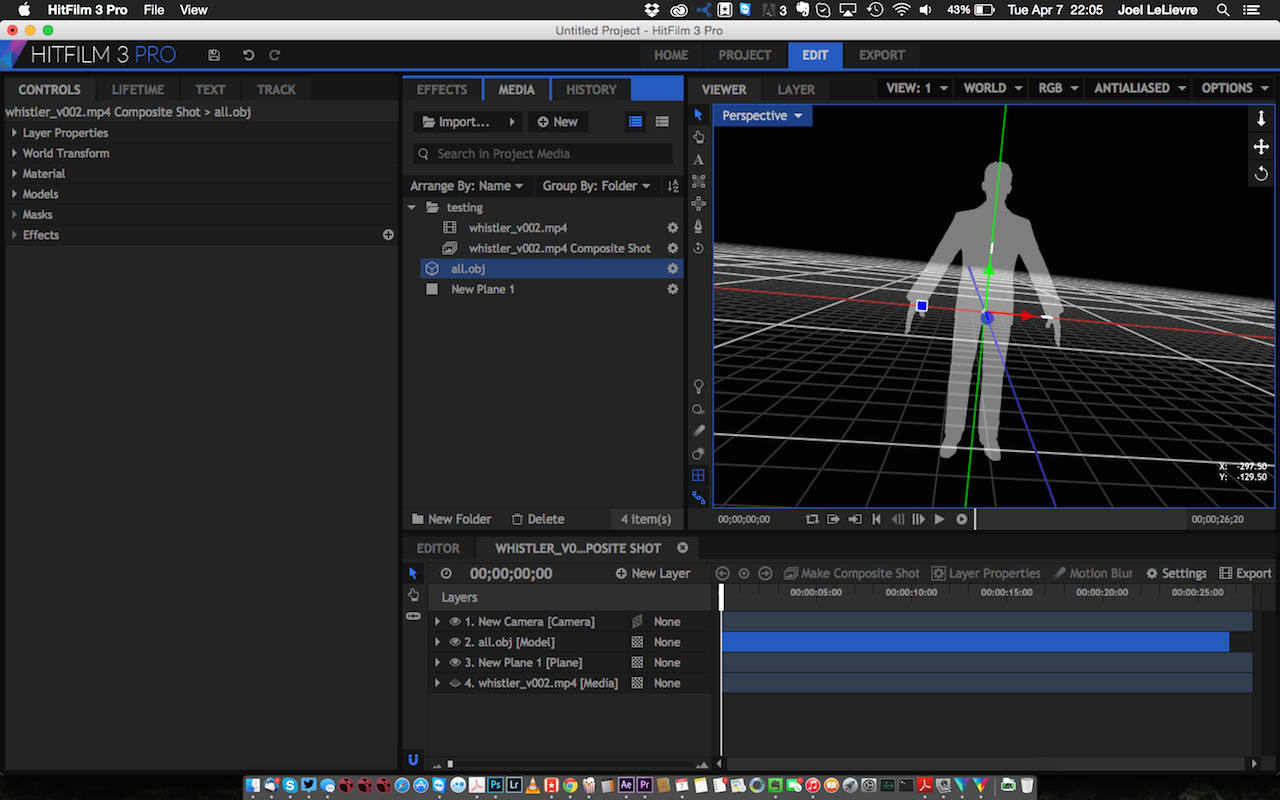
Compositing in 3D space is a must have feature these days, and it’s
also available in this software. Being able to import 3D geometry into
your compositing environment to do camera projection work is a standard
in the industry these days and it is nice to see that HitFilm is
keeping up with its higher priced competitors.
One thing I would like to see is support for Alembic files, or at
least .fbx files. In the version I was using, I was only able to import
.3ds, .lwo, or .obj files. The import window for 3D geometry offers
control to pan around and view your model before bringing it into your
composite, and it also lets you adjust and manipulate the materials.
Once imported, you can create a camera, and then add your geometry to
gain access to the full 3D environment. Accessing and manipulating the
transform data is simple and allows users to move the 3D geometry as
needed.
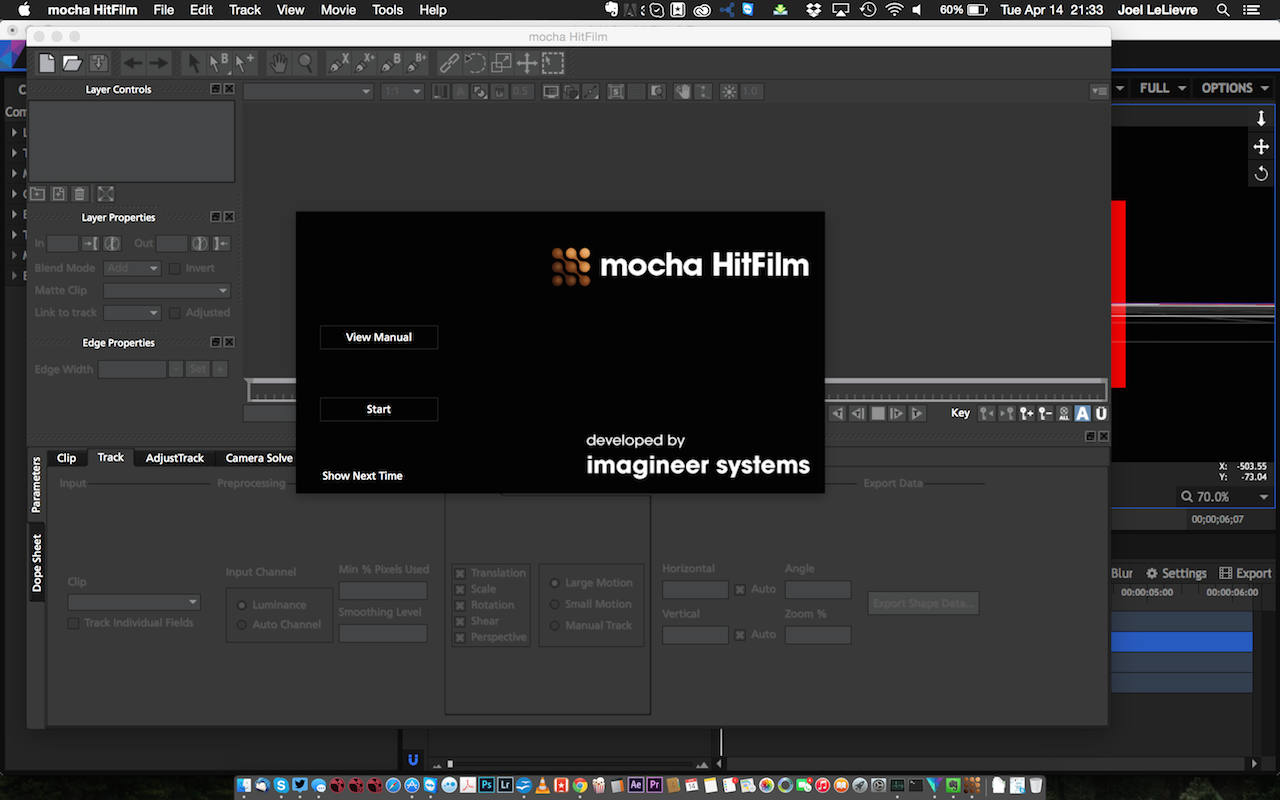
If you are importing a camera from Boujou, SynthEyes, or PFTrack,
you will be happy to know that HitFilm supports these formats. And if
that wasn’t enough, Mocha for HitFilm is also a part of the HitFilm
toolset so planar tracking is possible as well.
Once your editing and composites are complete, you can move onto the
Export component of HitFilm. This is where you can output your projects
to various formats, including a direct connection to YouTube. Along
with YouTube, the HitFilm provides export settings for Quicktimes,
H.264, EXR sequences, and various image sequence formats. One thing
that stood out to me was that both the Quicktime and Image Sequence
outputs seemed to be lacking some of the more popular formats and
codecs. For example, if I wanted to export my sequence as a tiff or
targa sequence there was no option for this format. Also the Quicktime
tab seemed to be missing a lot of the codecs that you would normally
see in other products like After Effects or Nuke.
Conclusion
HitFilm 3 does not attempt to be a substitute or replacement of
Final Cut, After Effects, or Nuke. When using it, I felt as if HitFilm
is the underdog, and I was rooting for it and wanted it to succeed. It
is an entry level product, that offers users a rich and well thought
out toolset, at a really great price. For the low price $299 USD, users
can get a software that is capable of delivering high quality effects,
without having to break the bank.
Overall I was really impressed with
what HitFilm has to offer. The simple interface, coupled with a really
great support community, make HitFilm a really solid product that new
users can learn and get up to speed quickly. There are a few small
details that HitFilm could improve upon to make it an even better
product, like additional export options and better support for 3D
geometry and audio. With previous releases, HitFilm has listened to its
users and community and added in new features, so if the demand for
these improvements is there, they will most likely be added in the next
release.
HitFilm is a great alternative to some of the other more
expensive, well known tools out there, and the price makes it appealing
to anyone who requires a full editing and compositing toolset for
filmmaking.









nice Joël. Any chance you’d do a clarisse fx review?