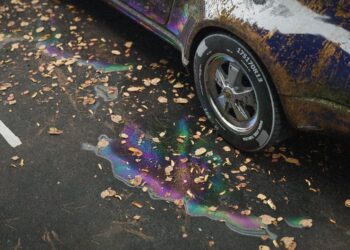
D5 Render has released version 3.0, its real-time rendering and visualization software, introducing a broad set of updates across rendering, artificial intelligence, navigation, asset management, and stability. The release expands environmental rendering tools with a new Ocean system for simulating waves, coastlines, foam, and water-object interaction, alongside volumetric clouds with preset types and advanced controls. Fog controls have been reworked through separated color and density settings, a manual base height, and revised interaction logic intended to provide more predictable results across scenes.
Rendering changes include a beta Displacement Material that supports true geometric displacement driven by height maps, adjusted exposure defaults, expanded HDRI controls, material ID output for outline mode, and improved light intensity controls for Geo Sky. Viewport behavior has been extended through custom background colors, cull distance controls for content outside the camera view, and support for direct import of 3D Gaussian Splatting files in .ply and .gs formats under an alpha label. XR Tour output benefits from updated Gaussian Splatting reconstruction quality, and precipitation effects now allow raindrop transparency to influence splash behavior.
Artificial intelligence features in version 3.0 include an AI Agent for scene matching and asset recommendations based on text descriptions or reference images, an AI Image to 3D function for generating models from single or multi-angle photographs, and improvements to AI-based PBR material generation and image enhancement. Reporting tools within D5 Bot now generate structured issue summaries for submission to support.
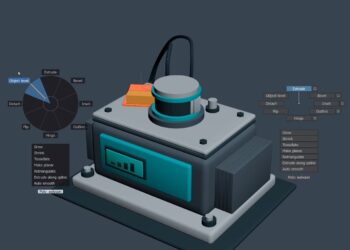
Workflow and usability updates cover a new Free navigation mode with presets aligned to major design applications, integration of the D5 Works asset platform into the D5 Launcher, procedural building generation in the City Generator, and broader access to Spatial Tour, XR Tour, Showreel, and Cesium for individual users. Performance and reliability have been addressed through optimizations to scatter operations, path tools, gizmo behavior, live sync with SketchUp, and a long list of fixes targeting rendering artifacts, crashes, and interface issues.
For more information, visit the company’s release notes.