
ArchCG Studio has released MatSnap AI, a new material generation plugin for Autodesk 3ds Max. The tool uses image-based analysis to convert reference photos into physically based rendering materials within a scene.
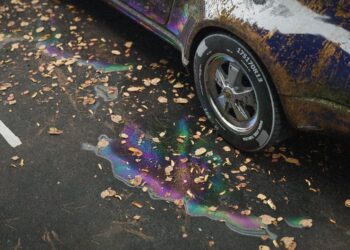
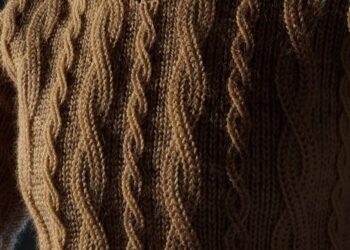
MatSnap AI processes input from screen captures or imported images, identifying surface characteristics and generating base texture maps. The plugin produces diffuse, normal, roughness, and displacement outputs, assembling them into materials compatible with Corona Renderer. These materials are inserted directly into the active material editor for further adjustment.
The software includes a seam correction feature designed to address inconsistencies in generated textures. This tool allows users to blend edges and refine tiling directly in the 3ds Max interface. It supports both image-based workflows and a text-driven mode, where materials can be generated without a reference photo.
Integration features extend to automated material setup, including Fresnel effects for certain surface types and mapping randomization to reduce repetition across large areas.
MatSnap AI is distributed as a one-time purchase with a bring-your-own-key model for API usage. Users connect their own Google Cloud account for processing, with billing handled directly by the provider. The developer states that API credentials are stored locally.
Find out more at ArchCG Studio’s Gumroad page.








Requites Gemini API access
impressive, but do i need to to uv unwrap or just assign it to the 3d model directly ? waiting for 3ds max 2027 support. thanks.