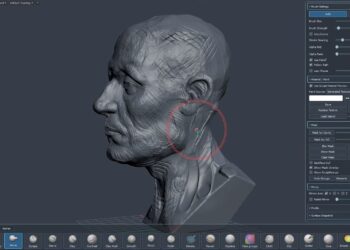
New features in the latest version of 3d-io’s skinning and mesh deformation plugin include: significant performance increases and skin painting similar to ZBrush and Mudbox – artists can now paint weight adjustments in real-time and even smooth them out with the brush to achieve exact and elastic skin look and feel. Read on for the complete list of changes.
List of changes and new features of BonesPro 4.50:
– A new paint tool with smoothing mode allows artists to make quick local weight adjustments.
– Completely new MAXScript interface for easier and more extensive
third party access.
– 3DS Max default conform undo system added to the existing legacy
workflow.
– MetaBones now have an optional real-time mode similar to ParaBones.
– Significant performance increases for the most often used actions in
BonesPro.
– BonesPro now works natively with object types and no longer converts
them internally. This improves performance with large modifier stacks
and interoperability with other modifiers.
– Bone groups can now easily be turned into selection sets through a
new option in the Bones rollout.
– Bones with non-orthogonal local coordinate systems can now be used
like normal bones without causing distortions.
– Various minor fixes.
Watch a sample video and find out more at BonesPro.com.